Nintendo Online Calendar Creator
| Nintendo Online Calendar Creator | |
|---|---|
 Title screen of the 2026 version | |
| Publisher | Nintendo |
| Platform | Browser |
| Rating | N/A |
| Input | Pointing device/keyboard |
Nintendo Online Calendar Creator is an application on the Play Nintendo website that allows users to customize and download a calendar themed to the Super Mario franchise for a given year. The application is updated in the run-up to a new year with a suitable calendar, as well as potentially new decorations and options. Below is information on individual versions of this application.
Mushroom Kingdom 2020 Calendar Creator[edit]
Overview[edit]
In the Mushroom Kingdom 2020 Calendar Creator, the user starts on the title screen, where they must click the "Get Started!" button to begin the activity. The user is taken to the main customization screen, where they can add elements such as backgrounds, items, and characters to the calendar. The user can also add a title to their calendar. At the bottom of the screen, the user can click on five buttons: the "Go back" button brings the user back to the title screen, the "Mark a special date" button allows them to mark a specific date with five different colors and icons, the "Clear" button will remove all current elements from the calendar aside from the marked dates, the "Randomize" button chooses a random configuration of elements, and the "Download" button allows the user to download their final calendar to their device. The user can also choose to use an "accessible version" of the activity, though they can only choose from pre-determined layouts on this version.
Decorations[edit]
Backgrounds[edit]
 No background
 Brick Block pattern
 Diddy Kong pattern
 Blue item pattern
 Bowser and Koopalings pattern
 "Jump for joy! Super Mario!" pattern
 Blue item pattern
 Green item pattern
 White item pattern
 Red item pattern
 Yellow item pattern
 Princess Peach pattern
 Toad pattern
 Blue grid pattern
 Green grid pattern
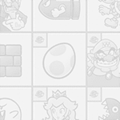 White grid pattern
 Orange grid pattern
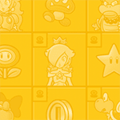 Yellow grid pattern
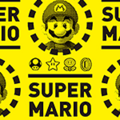 Super Mario pattern


Items[edit]
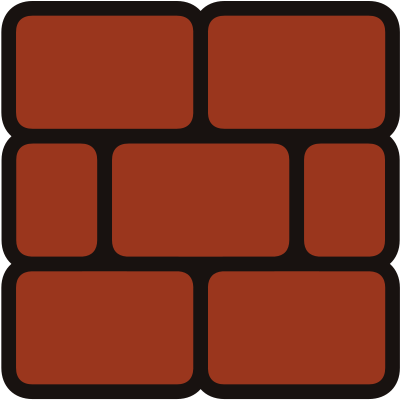 Brick Block


Characters[edit]
 Mario waving
 Mario jumping
 Mario holding out his arm
 Mario jumping on a Goomba
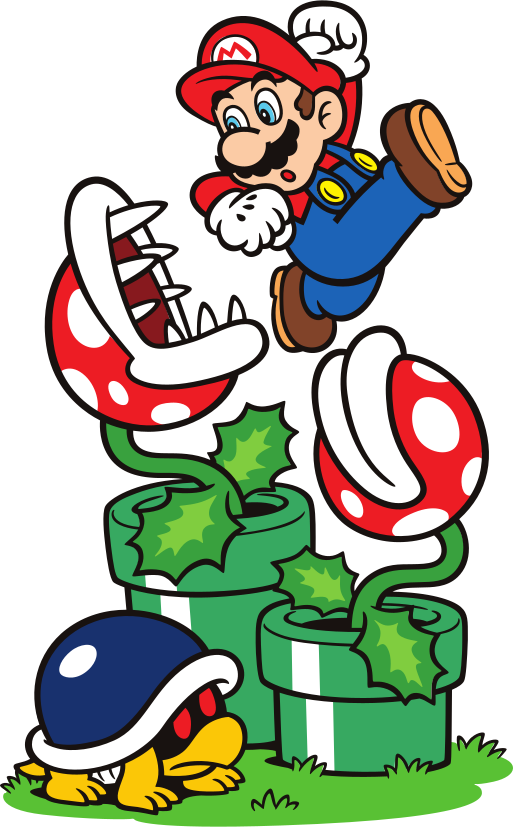 Mario jumping over Piranha Plants and a Buzzy Beetle
 Luigi waving
 Luigi waving
 Luigi jumping
 Mario and Luigi high-fiving each other
 Yoshi sticking out his tongue
 Yoshi jumping
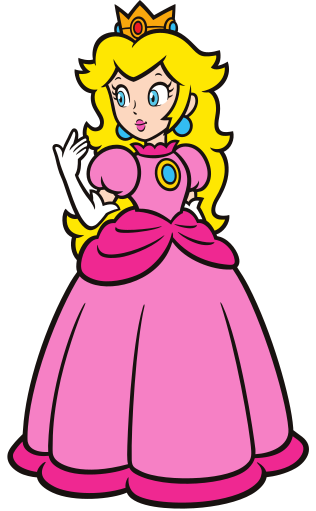 Princess Peach waving
 Princess Peach holding out her arm
 Toad waving
 Toad jumping
 Toad and Blue Toad
 Diddy Kong
 Group artwork


Randomize[edit]
The following are possible results when choosing "Randomize":


Website description[edit]
Wahoo! It's-a 2020!
You can mark special dates, add Mushroom Kingdom decorations, and print your own custom calendar!
|
2020 Calendar Creator |
Gallery[edit]
 Thumbnail
 Thumbnail
 Title screen
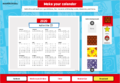 Default editing screen
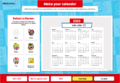 Accessible editing screen


External links[edit]
- Nintendo Online Calendar Creator. Archived August 27, 2020, 20:32:40 UTC from the original via Wayback Machine. Retrieved August 27, 2020.
Mushroom Kingdom 2021 Calendar Creator[edit]
Overview[edit]
The Mushroom Kingdom 2021 Calendar Creator removes the "accessible" editing screen option present in the 2020 version. The interface is slightly reorganized, featuring the "Clear" button on the same side of the canvas as the selectable decorations. This version of the application reuses several background options from the 2020 version while adding new ones. Preset designs are now individually selectable from a tab located in the same menu as the decorations, as opposed to being chosen via a randomizer. The user is no longer given an option to type a title for the calendar, although a pertinent text box is still present.
Decorations[edit]
Each decoration is identified using its corresponding alt text from the application.
Backgrounds[edit]
Underlined captions signify a background option reused from the 2020 version.
 None
None Red Mario theme
 Green Luigi theme
 Pink Peach theme
 Black and red Bowser theme
 Colorful Mario & friends icons
 Red Mario & friends icons
 Blue Mario & friends icons
 Green Mario & friends icons
 Yellow Mario & friends icons
 Gray Mario & friends icons
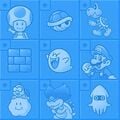 Light-blue Mario & friends icons
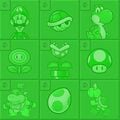 Green Luigi calendar grid
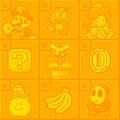 Orange Mario calendar grid
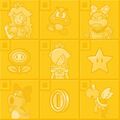 Yellow Peach calendar grid
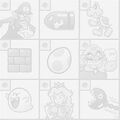 White Waluigi calendar grid

 Giant Question Blocks
 3D Question Blocks stack
 Diddy Kong and bananas – yellow
 Diddy Kong, Donkey Kong, bananas – red
![Donkey Kong, DK, bananas – green[sic]](https://mario.wiki.gallery/images/thumb/e/e6/PN_Nintendo_Online_Calendar_Creator_2021_bg23.jpg/120px-PN_Nintendo_Online_Calendar_Creator_2021_bg23.jpg) Donkey Kong, DK, bananas – green[sic]
Donkey Kong, DK, bananas – green[sic] DK items – yellow


![Blue with Mario, Luigi, Toad, Yoshi icons[sic]](/File:PN_Nintendo_Online_Calendar_Creator_2021_bg17.jpg)


![Donkey Kong, DK, bananas – green[sic]](/File:PN_Nintendo_Online_Calendar_Creator_2021_bg23.jpg)

