Block (Mario Artist: Polygon Studio)
The title of this article is official, but it comes from a Japanese source.
If an acceptable English name is found, then the article should be moved to the new title.
| Block | |
|---|---|

| |
| Appears in | Mario Artist: Polygon Studio (2000) |
Blocks[1] are the main building elements in Mario Artist: Polygon Studio. They can be used in the Block Dome to assemble creations, which can then be used in other modes such as the Stage UFO and Jikken World. Block can be from one of five categories:
- Parts Blocks (パーツブロック, pātsu burokku): Basic blocks that act as the body of the build.
- Animation Blocks (アニメーションブロック, animēshon burokku): Animated blocks that move in certain ways.
- Sound Blocks (サウンドブロック, saundo burokku): Blocks that continuously emmit sounds.
- ? Blocks (?ブロック, ? burokku): Bonus blocks that can be used as decoration on a creation. Unlocked by finding them in Jikken World.
- Dōryoku Blocks (どうりょくブロク, dōryoku burokku, "Power Blocks"): Blocks that act as wheels or legs, allowing creations to move. More are unlocked by finding them in Jikken World.
In Jikken World, the player can find more ? blocks and Dōryoku blocks to use in their creations. Dōryoku blocks specifically grant different traits to vehicles using them. Other blocks that can be used in Mario Artist: Polygon Studio, such as Parts, Animation and Sound Blocks, cannot be found in Jikken World as they are unlocked by default.
Parts Blocks[edit]
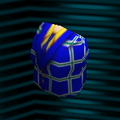 だんせいのからだ
("Man's body")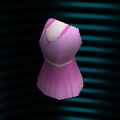 じょせいのからだ
("Woman's body")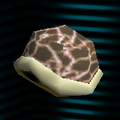 カメのからだ
("Turtle body")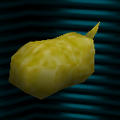 イヌのからだ
("Dog body")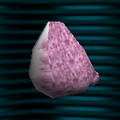 ウサギのからだ
("Rabbit body")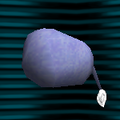 ゾウのからだ
("Elephant body")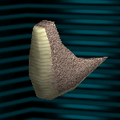 キョウリュウのからだ
("Dinosaur body")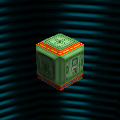 ロボットのからだ
("Robot body")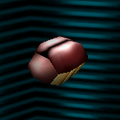 カブトムシのからだ
("Beetle body")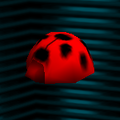 テントウムシのからだ
("Ladybug body")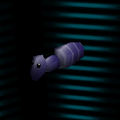 アリのからだ
("Ant body")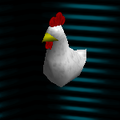 ニワトリのからだ
("Chicken's body")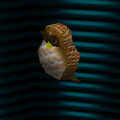 フクロウのからだ
("Owl body")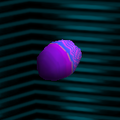 サカナのからだ1
("Fish body 1")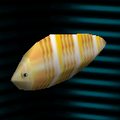 サカナのからだ2
("Fish body 2")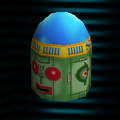 ロボットのあたま
("Robot head")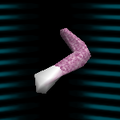 ウサギのうで
("Rabbit arm")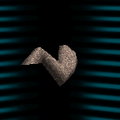 キョウリュウのうで
("Dinosaur arm")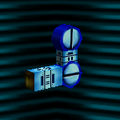 ロボットのうで
("Robot arm")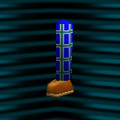 だんせいのあし
("Man's leg")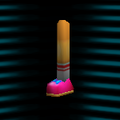 じょせいのあし
("Woman's leg")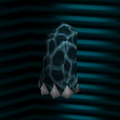 カメのあし
カメのあし
("Turtle leg")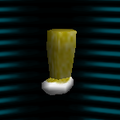 イヌのあし
イヌのあし
("Dog leg")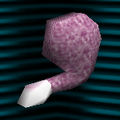 ウサギのあし
("Rabbit leg")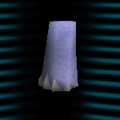 ゾウのあし
ゾウのあし
("Elephant leg")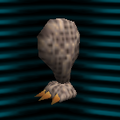 キョウリュウのあし
("Dinosaur leg")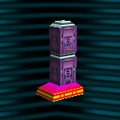 ロボットのあし
("Robot leg")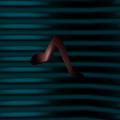 ムシのあし
ムシのあし
("Insect leg")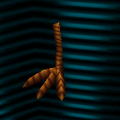 トリのあし
トリのあし
("Bird leg")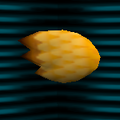 トリのハネ
トリのハネ
("Bird wing")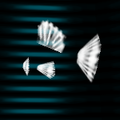 サカナのひれ
("Fish fin")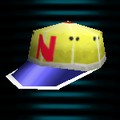 ぼうし
ぼうし
("Cap")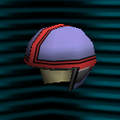 ヘルメット
ヘルメット
("Helmet")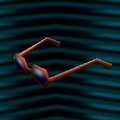 サングラス
サングラス
("Sunglasses")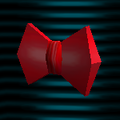 ちょうネクタイ
("Bowtie")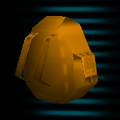 リュック
リュック
("Backpack")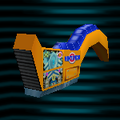 バイクのボディ
("Motorcycle body")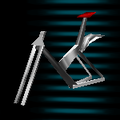 じてんしゃのフレーム
("Bike frame")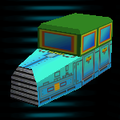 クラシックカー
("Classic car")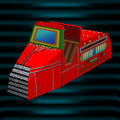 しょうぼうしゃ
("Fire truck")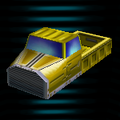 トラック
トラック
("Truck")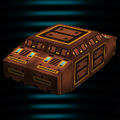 せんしゃ
せんしゃ
("Tank")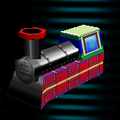 きかんしゃ
きかんしゃ
("Locomotive")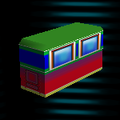 きゃくしゃ
きゃくしゃ
("Passenger car")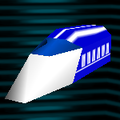 とっきゅう
とっきゅう
("Limited express train")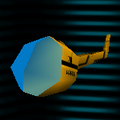 ヘリコプター
("Helicopter")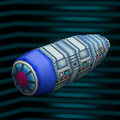 ひこうきのどうたい
("Airplane fuselage")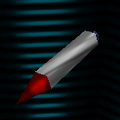 ミサイル
ミサイル
("Missile")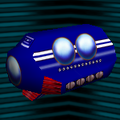 せんすいかん
("Submarine")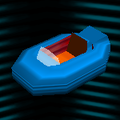 ホバーボート
("Hoverboat")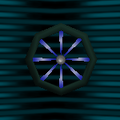 じてんしゃのタイヤ
("Bicycle tire")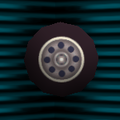 おもちゃのタイヤ
("Toy tire")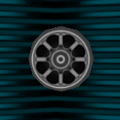 しゃりん
しゃりん
("Wheel")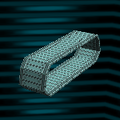 メタルベルト
("Metal belt")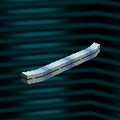 バンパー
バンパー
("Bumper")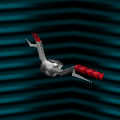 ハンドル
ハンドル
("Handlebar")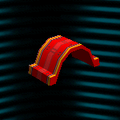 フェンダー1
("Fender 1")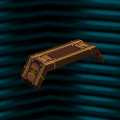 フェンダー2
("Fender 2")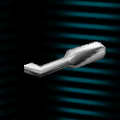 マフラー
マフラー
("Muffler")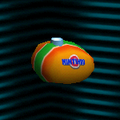 タンク
タンク
("Tank")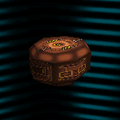 ほうとう
ほうとう
("Gun turret")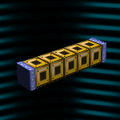 はしら
はしら
("Pillar")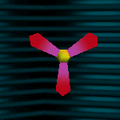 プロペラ
プロペラ
("Propeller")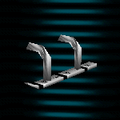 ソリ
ソリ
("Sled")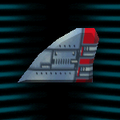 びよく
びよく
("Aircraft tail")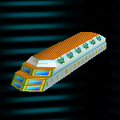 きゃくしつ
きゃくしつ
("Passenger cabin")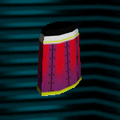 ふねのえんとつ
("Ship smokestack")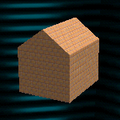 いえ
いえ
("House")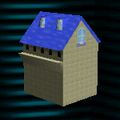 おやしさ
おやしさ
("Mansion")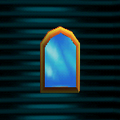 まど
まど
("Window")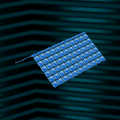 やね
やね
("Roof")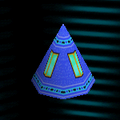 とうのやね
とうのやね
("Tower roof")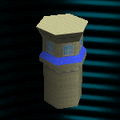 とう
とう
("Tower")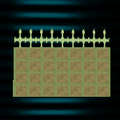 へい
へい
("Wall")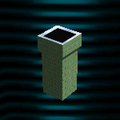 えんとつ
えんとつ
("Chimney")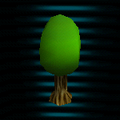 き
き
("Tree")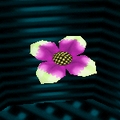 はな
はな
("Flower")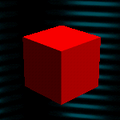 りっぽうたい
("Cube")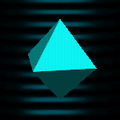 8めんたい
8めんたい
("Octahedron")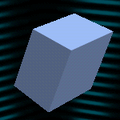 ななめちょくほうたい
("Oblique rectangular prism")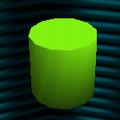 えんちゅう
えんちゅう
("Cylinder")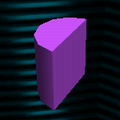 はんえんちゅう
("Half-cylinder")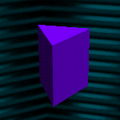 さんかくちゅう
("Triangular prism")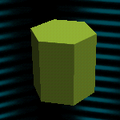 6かくちゅう
("6-sided prism")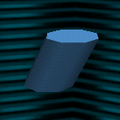 ななめえんちゅう
("Slanted cylinder")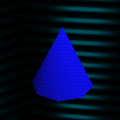 えんすい
えんすい
("Cone")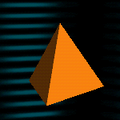 さんかくすい
("Triangular pyramid")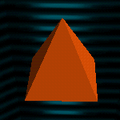 しかくすい
しかくすい
("Quadrangular pyramid")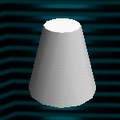 えんすいだい
("Truncated cone")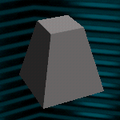 しかくすいだい
("Four-sided truncated cone")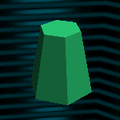 6かくすいだい
("Six-sided truncated cone")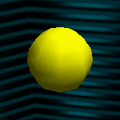 きゅう
きゅう
("Sphere")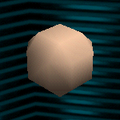 だえんきゅう
("Spheroid")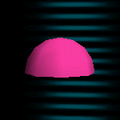 はんきゅう
はんきゅう
("Hemisphere")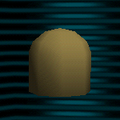 ドーム
ドーム
("Dome")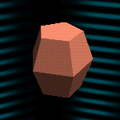 たる
たる
("Barrel")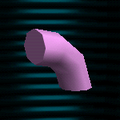 パイプ
パイプ
("Pipe")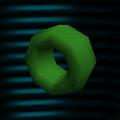 リング
リング
("Ring")


Animation blocks[edit]
Animation blocks perform quick animations in a loop. In Jikken World, they are animated only when the vehicle is moving.
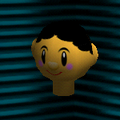 ヒトのあたま
("Person's head")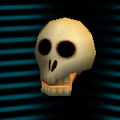 ガイコツのあたま
("Skeleton head")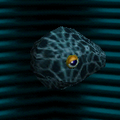 カメのあたま
("Turtle head")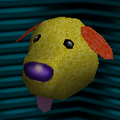 イヌのあたま
("Dog head")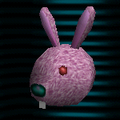 ウサギのあたま
("Rabbit head")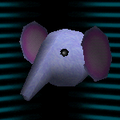 ゾウのあたま
("Elephant head")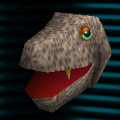 キョウリュウのあたま
("Dinossaur head")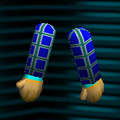 だんせいのうで
("Man's arms")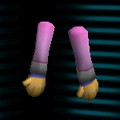 じょせいのうで
("Woman's arms")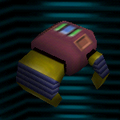 ロボットのて1
("Robot hand 1")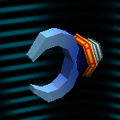 ロボットのて2
("Robot hand 2")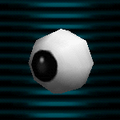 めパチパチ
めパチパチ
("Eye blinking")- めキョロキョロ
("Eye darting") 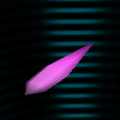 した
した
("Tongue")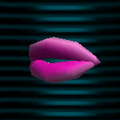 くちびる
くちびる
("Lips")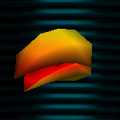 くちばし
くちばし
("Beak")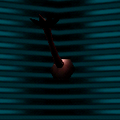 カブトムシのつの
("Japanese rhinoceros beetle horn")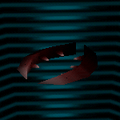 クワガタのはさみ
("Stag beetle pincers")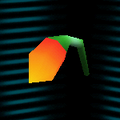 しょっかく
しょっかく
("Antenna")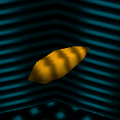 しっぽ
しっぽ
("Tail")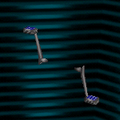 ペダル
ペダル
("Pedal")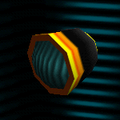 ライト
ライト
("Light")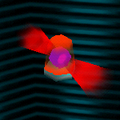 けいこくとう
("Warning light")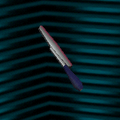 ワイパー
ワイパー
("Wiper")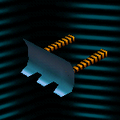 ブレード
ブレード
("Blade")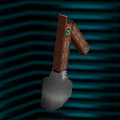 ショベル
ショベル
("Shovel")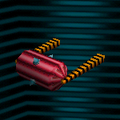 ローラー
ローラー
("Roller")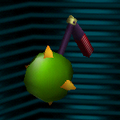 てっきゅう
てっきゅう
("Iron ball")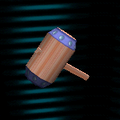 トンカチ
トンカチ
("Hammer")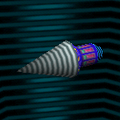 ドリル
ドリル
("Drill")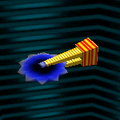 まるノコ
まるノコ
("Buzz saw")


